Greenhouse CMS: Bylines & Taglines
The Bylines and Taglines feature was designed to enhance the content management experience within Greenhouse CMS, providing various users with better tools for managing author attribution and content categorization.
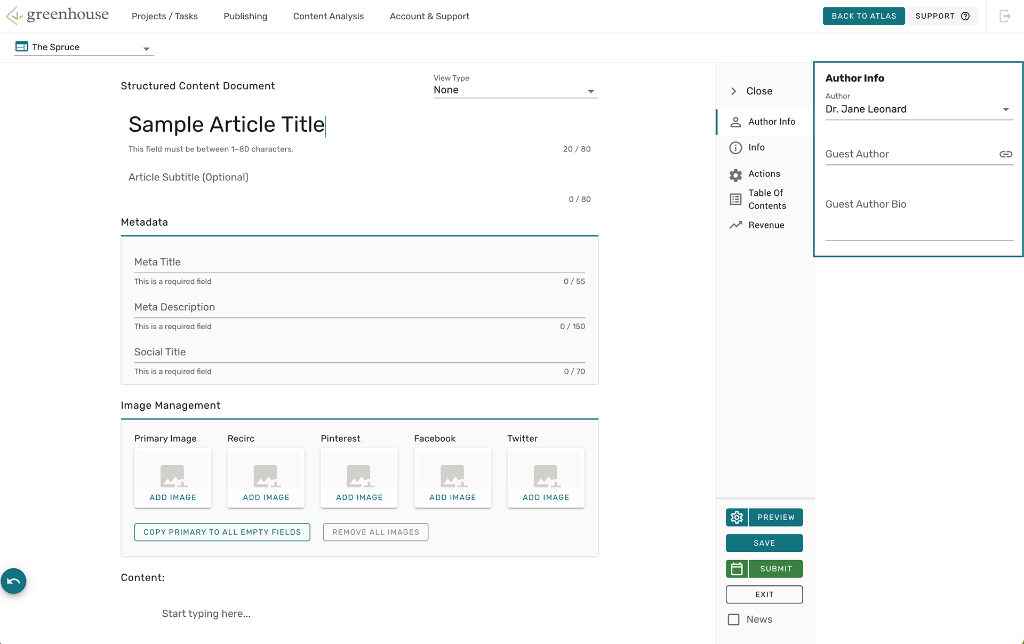
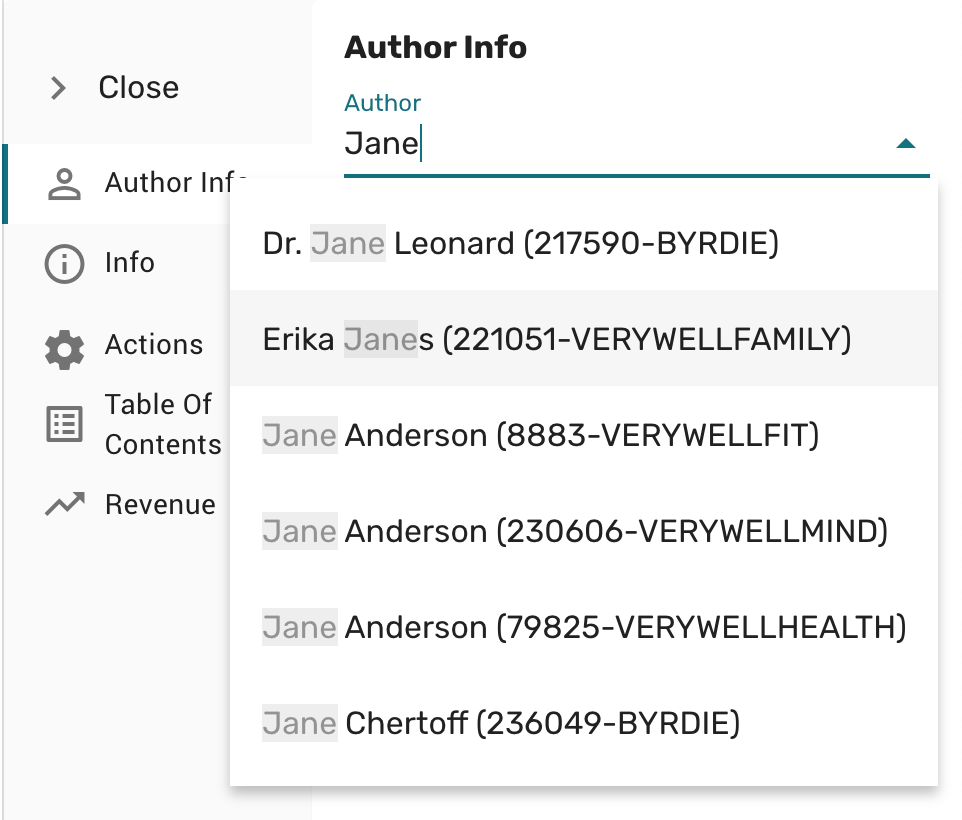
Greenhouse CMS - Author Info tab at the start of the project
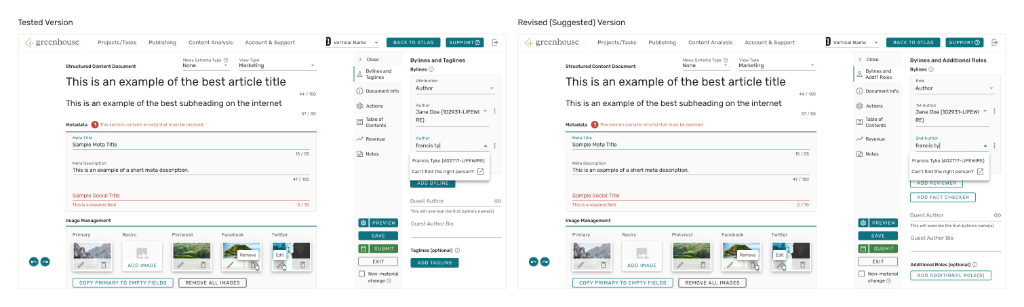
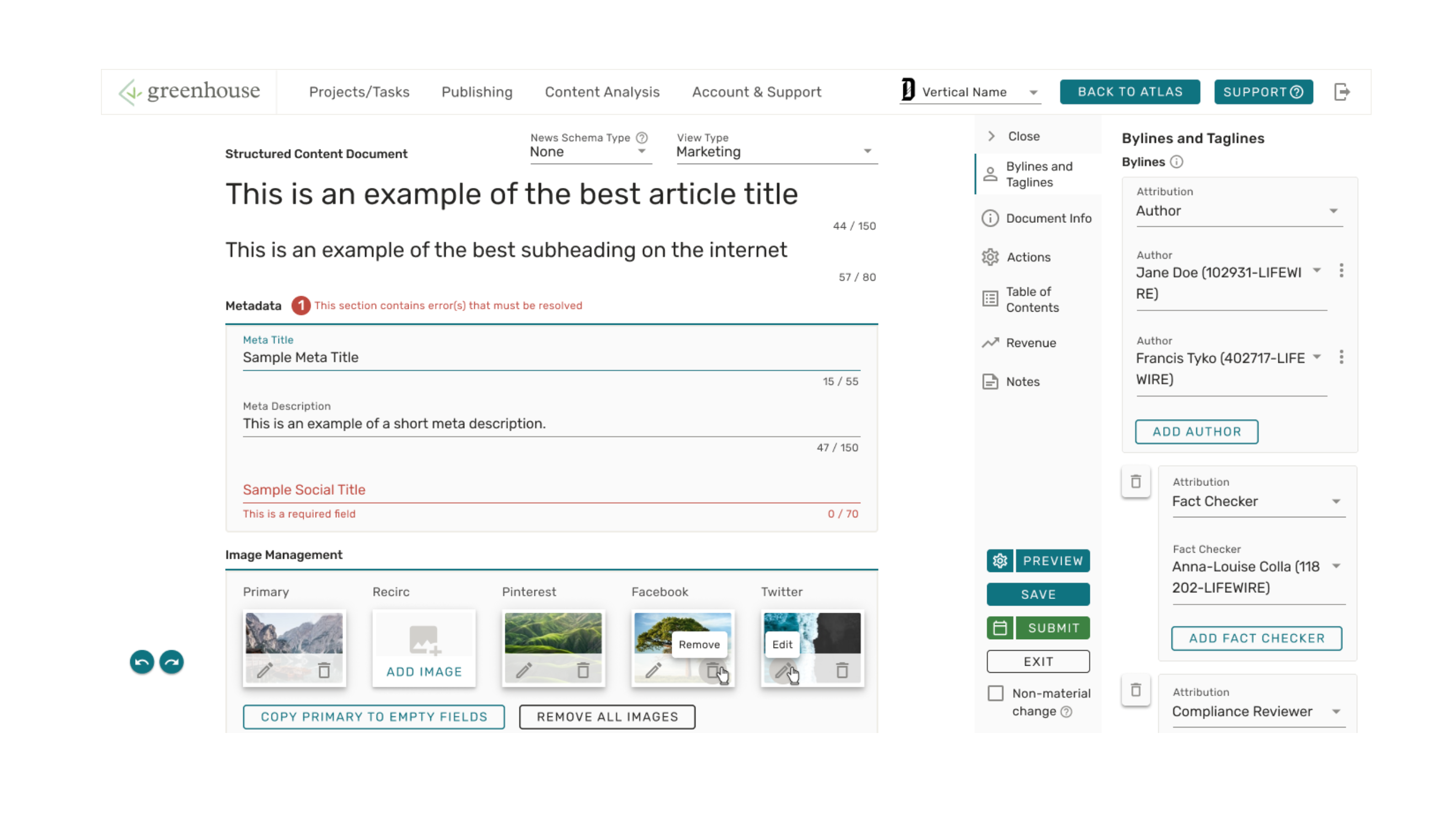
Tested vs Final Revised (Suggested) Version
Business Goals & Product Requirements Doc (PRD)
Provided by the product managers
Use cases regarding author bios and bylines have significantly multiplied and diverged from the data models that power them since they were first designed. In addition, Dotdash's recent focus on news content is further highlighting the gap in our supported use cases. In order to support this growing set of use cases we need to refactor and decouple the relevant data models. We need to exercise caution as we roll out these changes, however, as these data models closely relate to both compensation and document integrity. Goals of this refactor include:
- Decouple compensation from bylines (sometimes the author ≠ who first wrote the article)
- Allow a single user to have multiple bios associated with a single user account
- Standardize byline language ("Written by" vs "Authored by")
- Enable "double bylines" (i.e. Written by Jane and John Doe)
- Enable multiple types of byline attribution (i.e. Written by Jane Doe, Fact Checked by John Doe)
- Enable new "tagline" functionality (credits that are towards the bottom of the page)
- Eliminate the "Guest Author" mechanism
Product Purpose / Value Proposition
Provided by the product managers
Refactoring these data models should simplify the creation and maintenance of author bios, and improve the fidelity of compensation pipelines. In addition, providing more flexibility regarding bios and bylines will improve support for E-A-T initiatives.
Stakeholders
Greenhouse Design Team & Process
I was the lead designer on the project and my manager assisted on the project.
Our team consisted of 3 people (as of Q1 2021) which included a design director, a senior UX researcher, and myself. We worked across all the Greenhouse Publishing Platform teams (a total of 6 scrum team) that managed 5+ applications (CMS, workflow application, data analytics tool, and more).

The Greenhouse Design Team (Ideal) Process
Getting Started
The project called for net-new functionality—given the known problem and requirements provided by the various product managers, we discussed as team and decided that the initial discovery stage was not necessary for this project so I jumped into designing.
We had the requirements and everything... should be straightforward right...? Turns out there was more to it.
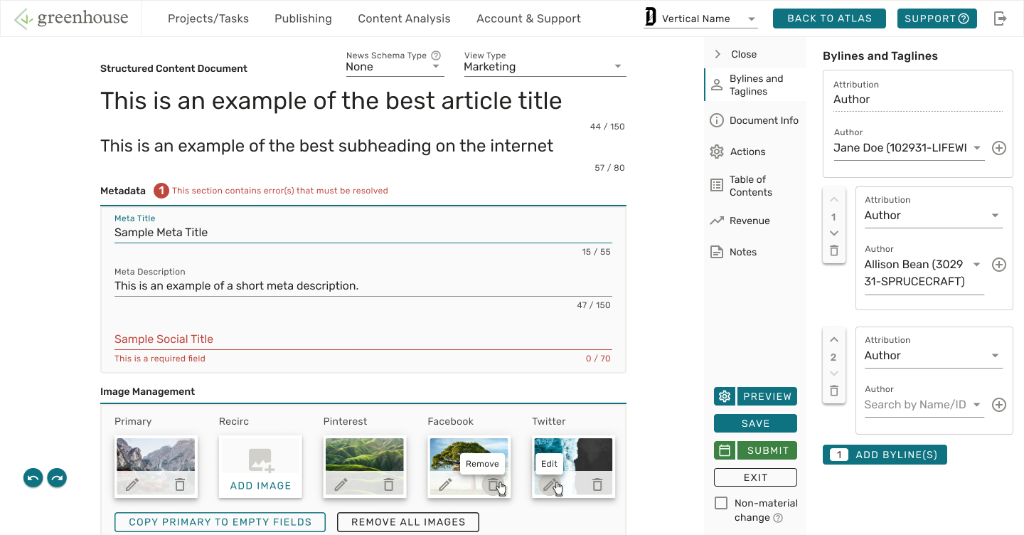
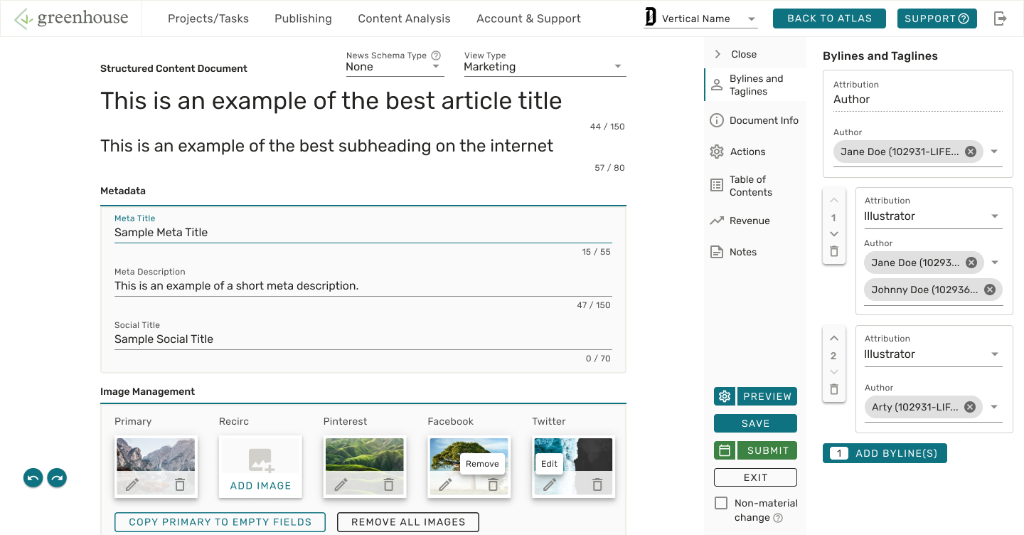
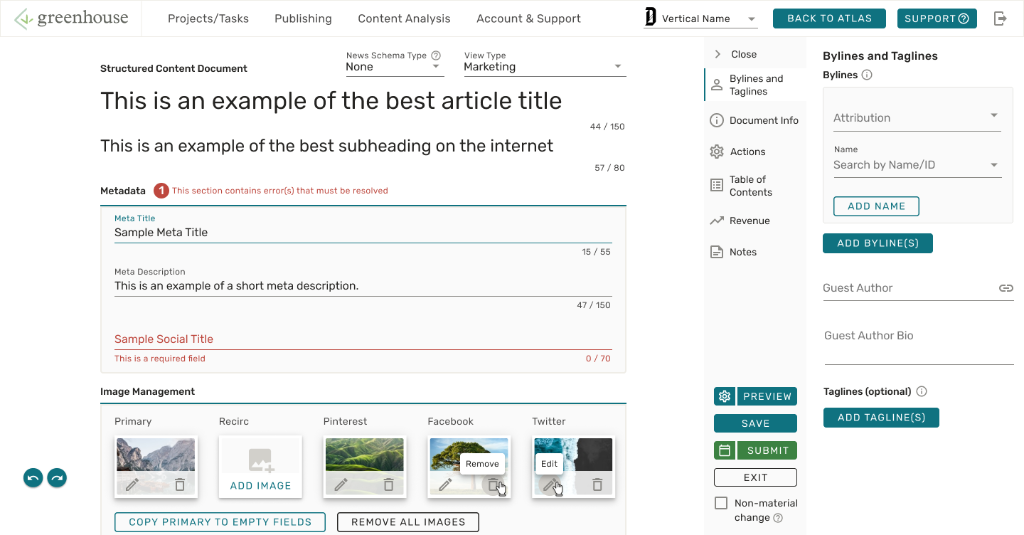
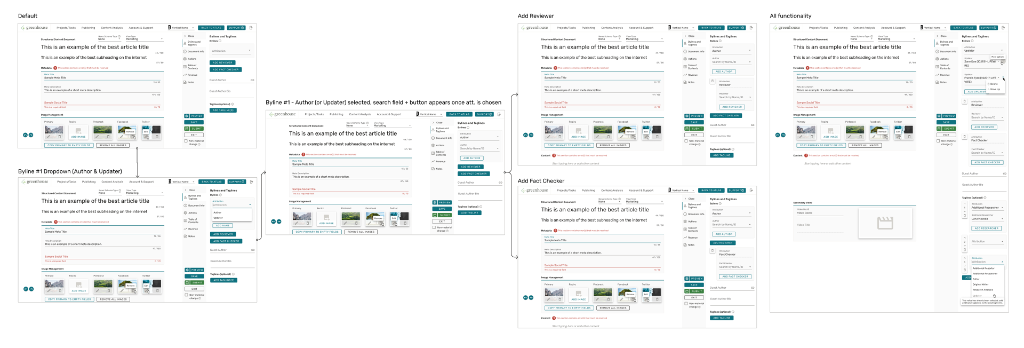
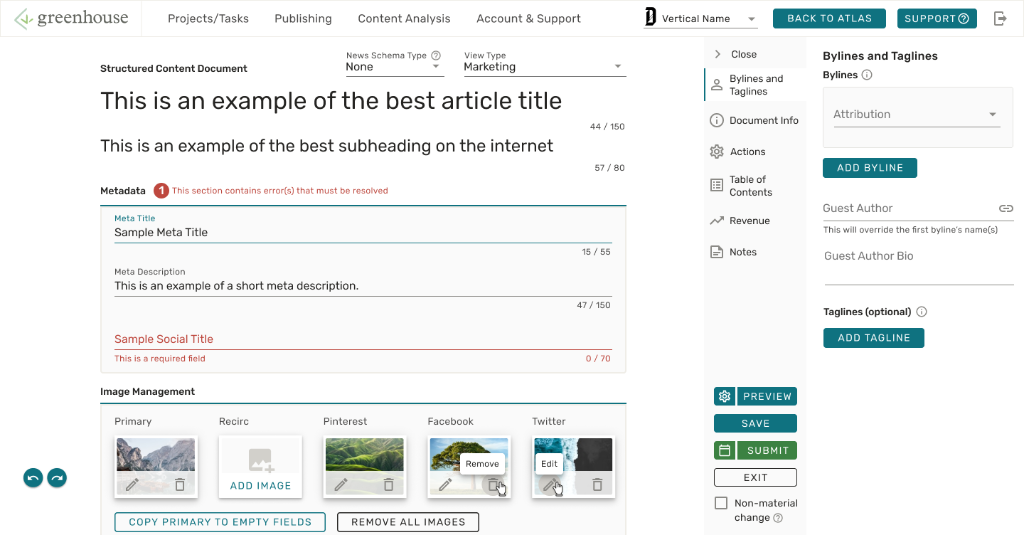
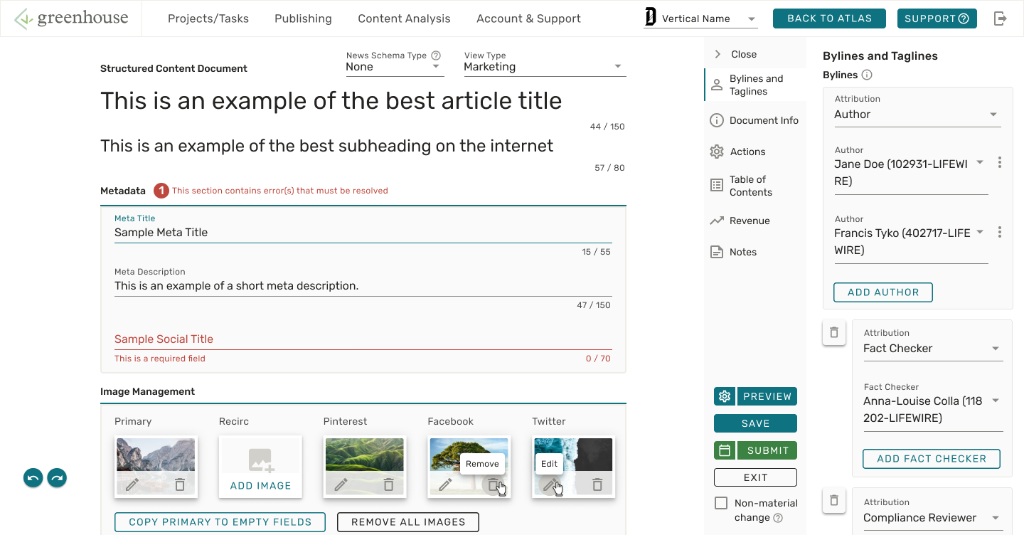
Early, Revised, Final Mock Versions
Lot of Moving Parts
After working on the project for a week, the product requirements started to become more in flux. Note that this project was quite a large project that would affect all of Dotdash's 10+ sites. The workflow required a good amount of backend work to allow the applications to talk to each other which was required for some of these workflows. Collaboration was an absolute must—we ended up with many slack conversations and a dozen meetings over the next few months... check out a snippet of those conversations below along with my tasks on our JIRA roadmap.
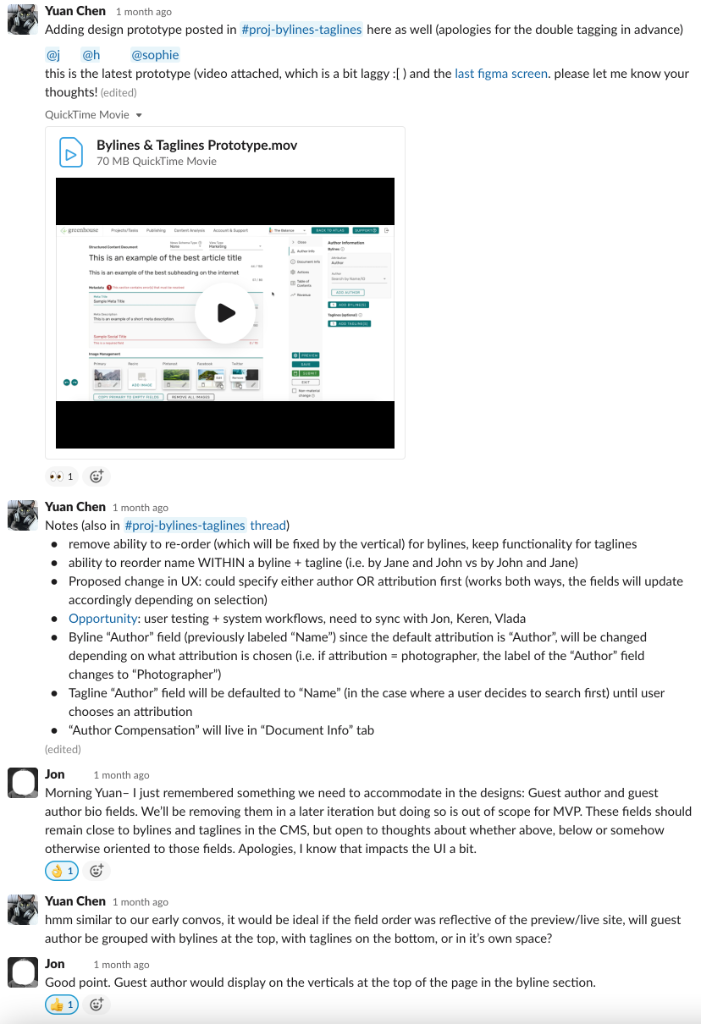
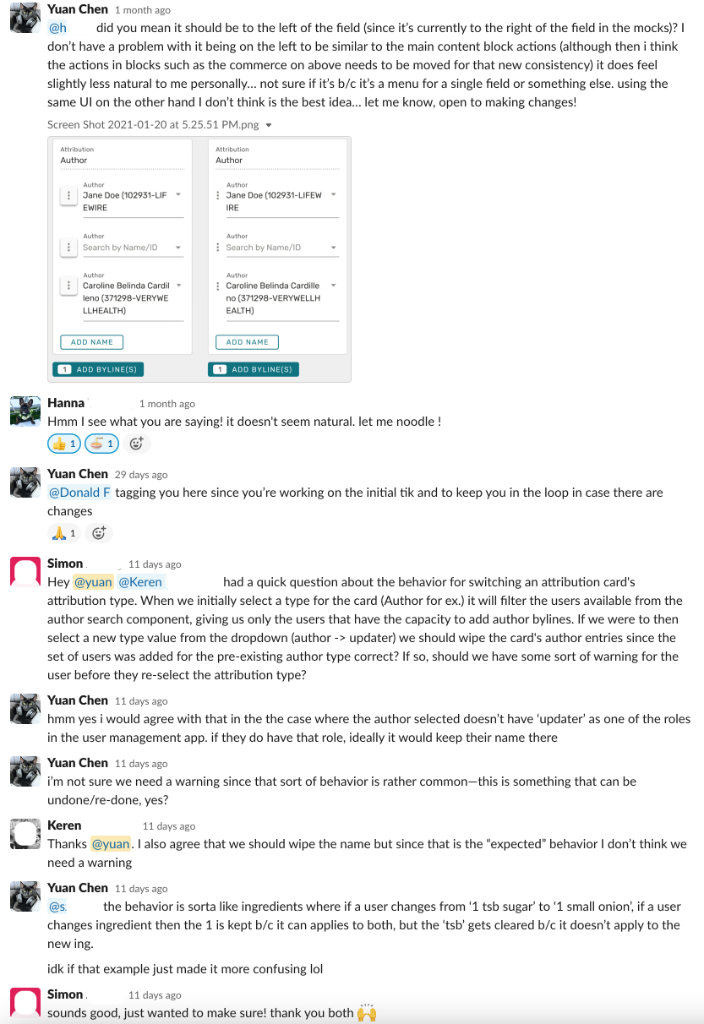
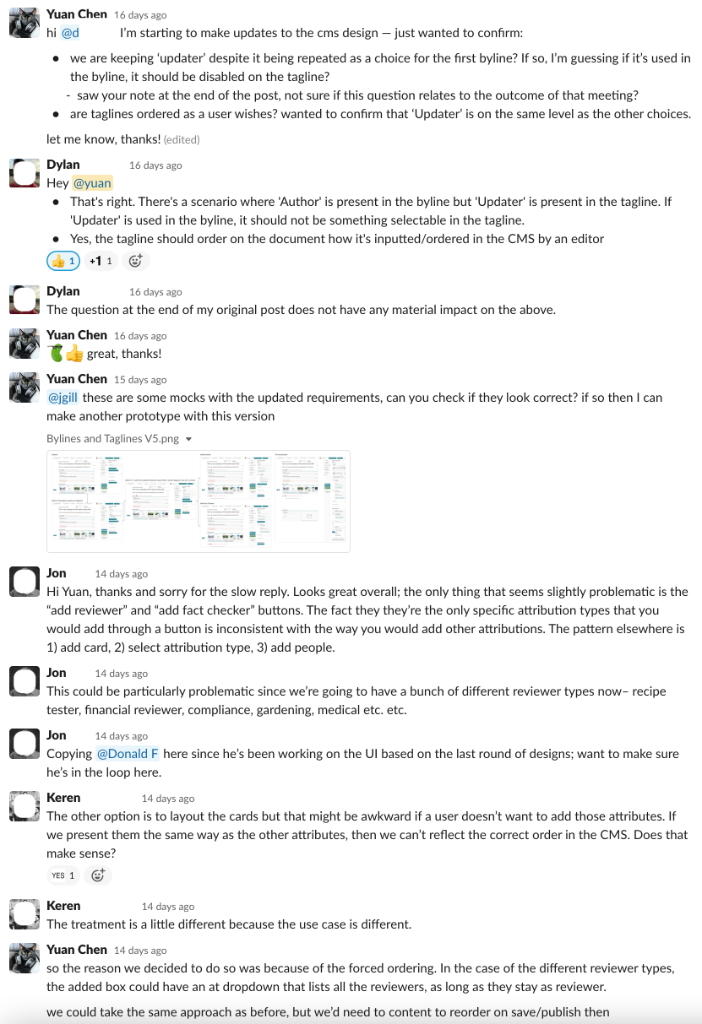
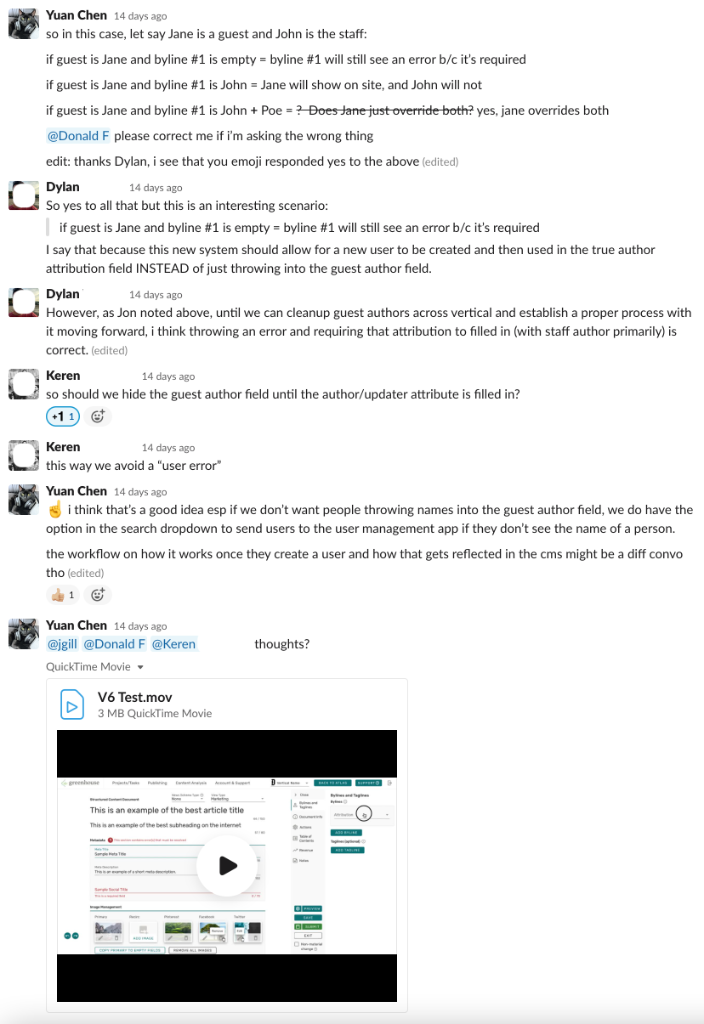
A Look Into Convos
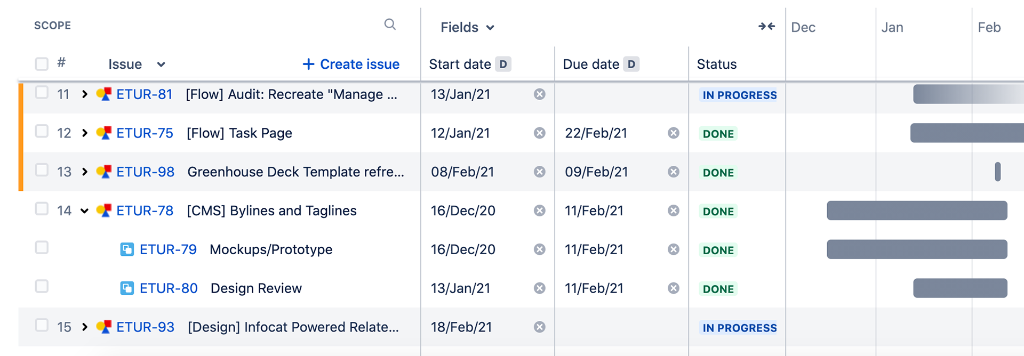
JIRA roadmap of all my tasks during the time, including this project
Two Months Later...
A little disclaimer: this project did begin the week before the Christmas/end of the year holidays/vacations so it didn't take exactly that long
During the course of the project, I created many different versions of the design and two different prototypes for testing in Figma. My manager had helped briefly to change some minor details when I was out during a week. Of the two prototype, we used one to do user testing with.
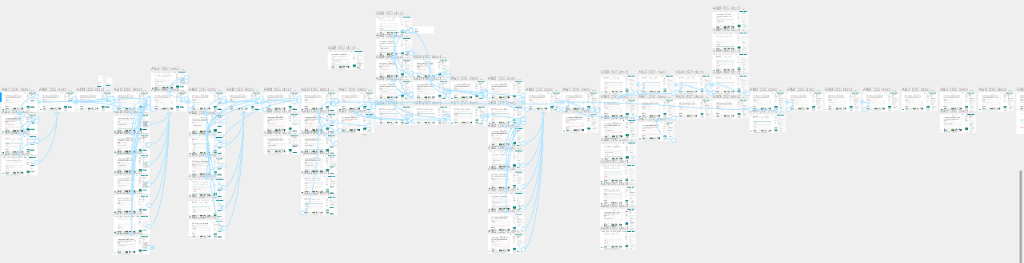
Figma Prototype
User Testing
As I was working on this "final prototype" the week before, my teammate and I started planning for the user testing session. I started recruited people who our stakeholders thought would be a good pool of diversified candidates. We ended up scheduling with a total of 7 people: 5 editorial end-users and 2 of our Content Operation (CO) stakeholders. Commonly we interview around 5 people, but given that our CO stakeholders wanted to be involved, we got their feedback as well (noting that they were involved with the project).
My teammate and I had wrote the script for the test (which we reviewed with the team) and I ran and summarized my notes from the sessions.
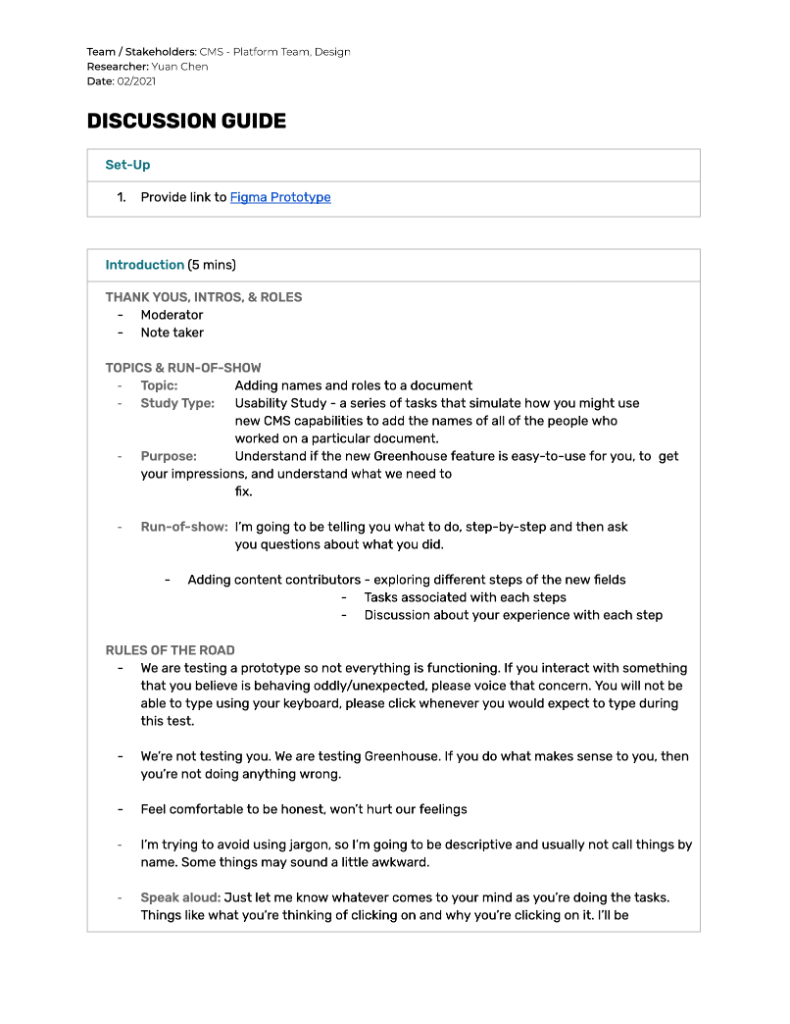
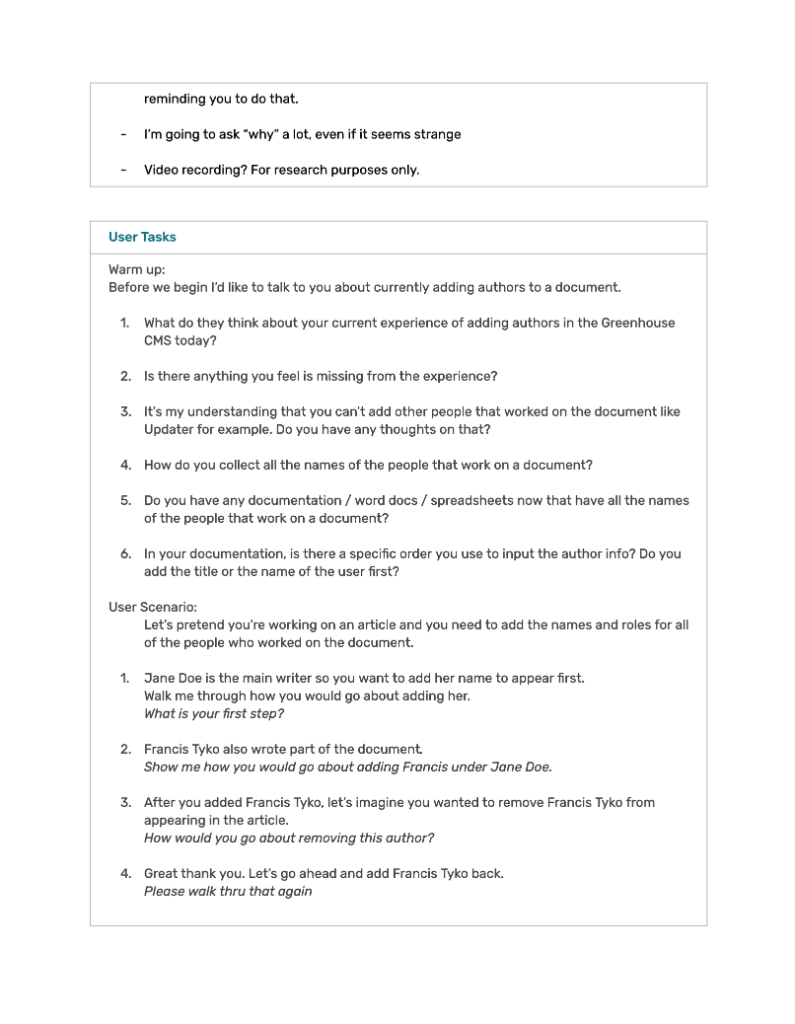
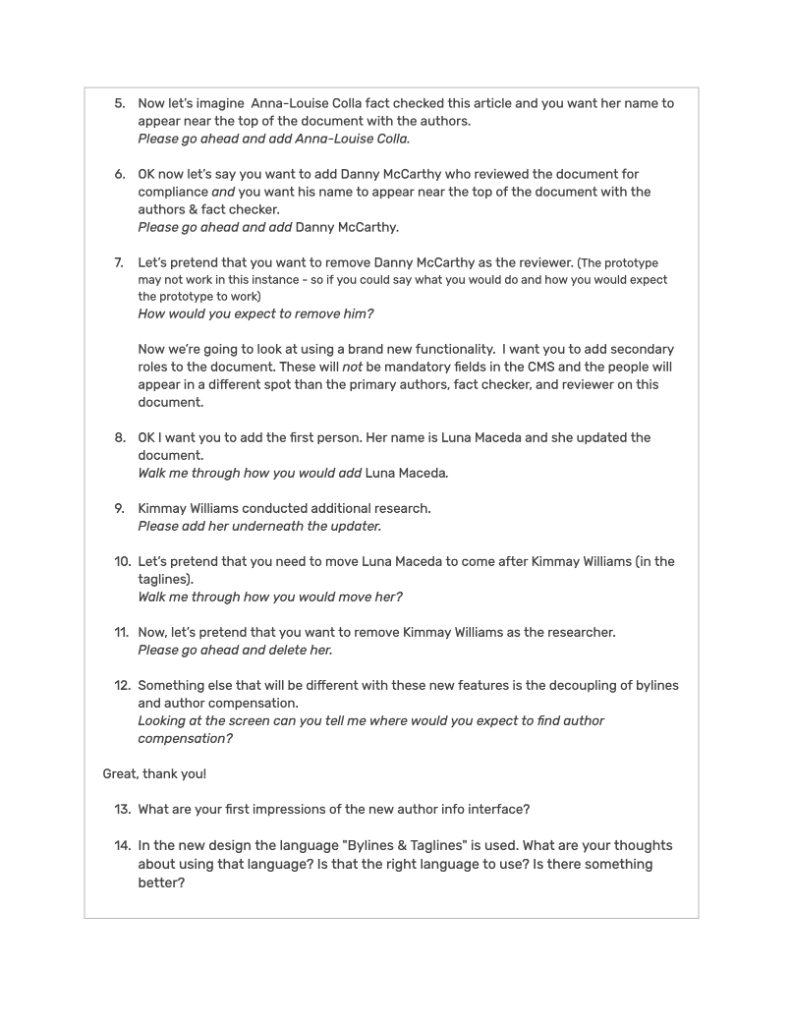
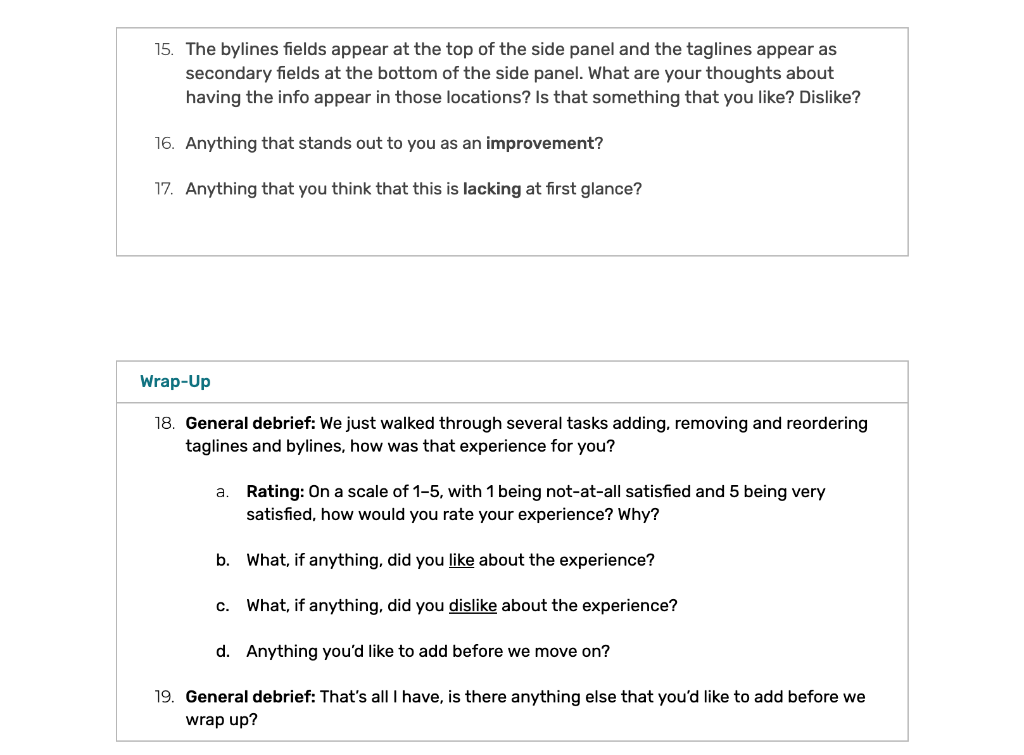
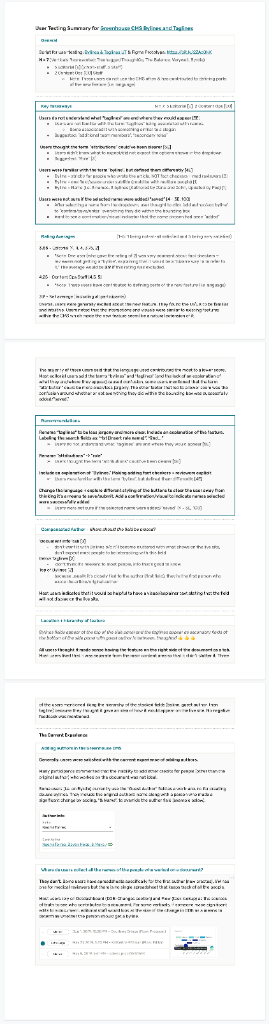
User Research Summary
We had a total of 7 people: 5 editorial end-users and 2 of our Content Operation (CO) stakeholders. When summarizing the notes, I made sure to separate the feedback between the end-users vs our stakeholders who helped define the project when necessary so that the summary is not skewed.
A Few Key Takeaways
- Users do not understand what "taglines" are and where they would appear
Suggestion: Rename "taglines" to be less jargon-y and more clear. Include an explanation of the feature. Labeling the search fields as: "1st [Insert role name]", "2nd..."
- Users thought the term "attributions" could've been clearer
Suggestion: Rename "attributions" → "role"
- Users were familiar with the term "byline", but defined them differently
Suggestion: Include an explanation of "Bylines." Making adding fact checkers + reviewers explicit
- Users were not sure if the selected names were added/"saved"
Suggestion: Change the language + explore different styling of the buttons to steer the user away from thinking it's a means to save/submit. Add a confirmation/visual to indicate names selected were successfully added
Overall users seemed mostly satisfied with the UI and UX of the new feature. Users stated that they were satisfied with the feature being on brand with the rest of the Greenhouse CMS which made it easy to use. While there are places for improvement, what threw users off the most was the language and terms used to describe certain elements. For most users, it did not match their mental model/understanding of the terms. The lack of information explaining what "bylines" and "taglines" were also contributed to the confusion.
Post-User Testing, Implementation, and Release
The research findings and updated prototype based on some of the feedback were shared with our team/stakeholders.
After finalizing the design, we passed the project to the engineering team and provided design support during implementation. Once the feature is released, we will continue to monitor any feedback coming in through our Zendesk support/give feedback widget in the CMS.
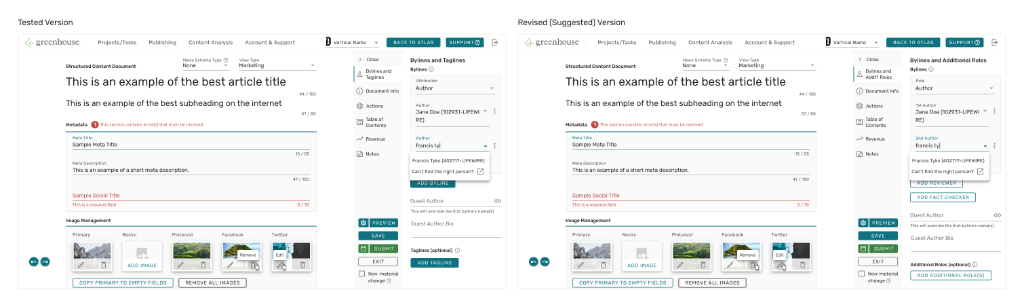
Tested vs Revised (Suggested) Version